
AI Workstation GPU Architecture: VRAM Sizing and Hardware Guidelines for Engineering Teams
A technical guide to AI workstation hardware sizing for engineering firms: VRAM planning models, consumer vs professional GPU architectures, and PCIe platform topologies.
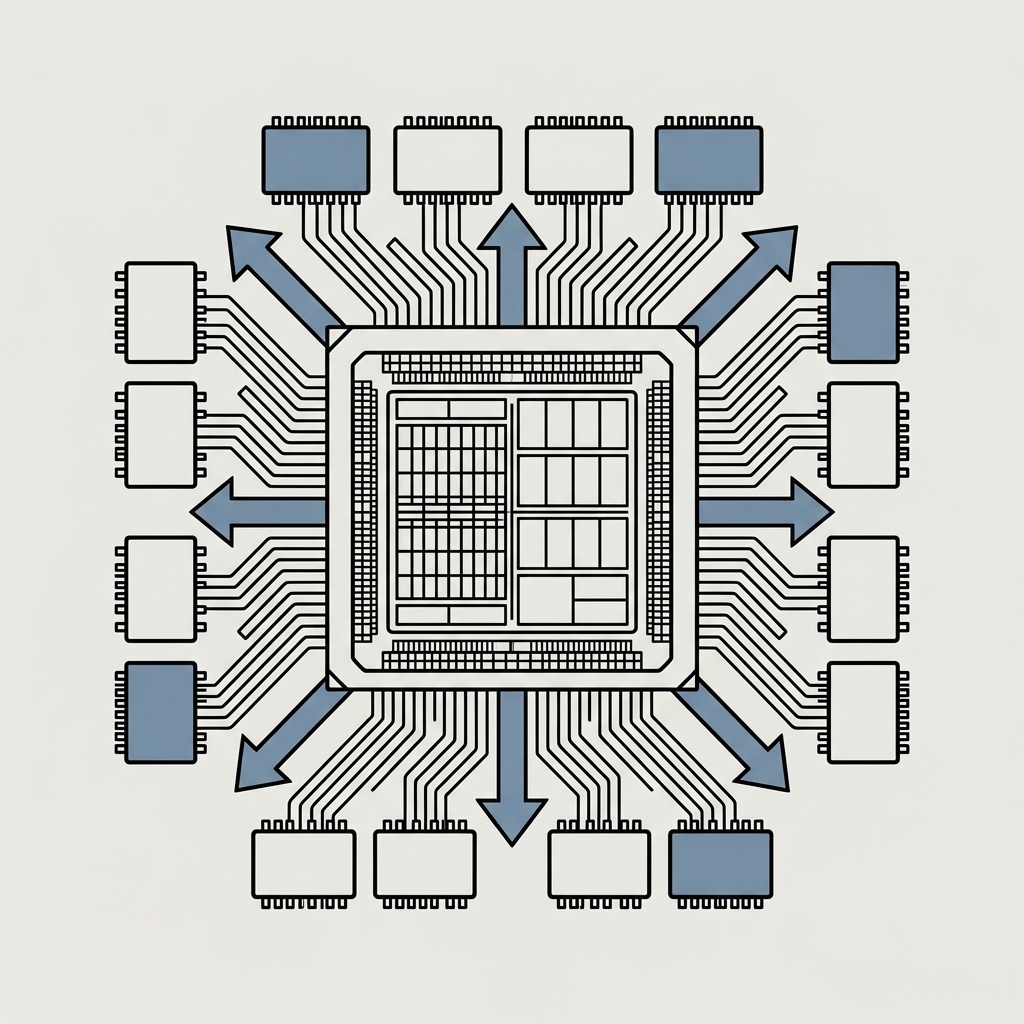
Direct Answer: Sizing an on-premise AI workstation for engineering workloads requires treating Video RAM (VRAM) capacity and memory bandwidth as the primary architectural constraints, rather than raw CPU clock speed. Local engineering models—such as technical document Retrieval-Augmented Generation (RAG), automated design code synthesis, and finite element simulation assistants—require sufficient VRAM to hold model weights, Key-Value (KV) cache, and context window buffers entirely in GPU memory. Exceeding physical VRAM capacity forces system memory paging across PCIe lanes, causing inference throughput to drop significantly. For engineering teams deploying private AI to protect CAD intellectual property, hardware selection balances consumer GPU cost-efficiency with professional workstation GPU memory capacity, Error-Correcting Code (ECC) integrity, and multi-lane PCIe platform topologies.
1. The VRAM Bottleneck: Memory Architecture in Local AI
When deploying private AI models in engineering environments under data governance protocols, understanding memory allocation is critical. Unlike traditional software that scales dynamically across available system RAM, neural network inference requires active model parameters and working context buffers to reside directly on high-bandwidth GPU memory for acceptable response latency.
┌────────────────────────────────────────────────────────────────────────┐
│               SIMPLIFIED INFERENCE MEMORY PLANNING MODEL               │
├────────────────────────────────────────────────────────────────────────┤
│ Total VRAM = Model Parameter Weights + KV Context Cache + Runtime      │
│              Overhead & Activation Buffers                             │
└────────────────────────────────────────────────────────────────────────┘$$\text{VRAM}{\text{estimated}} = \text{VRAM}{\text{Weights}} + \text{VRAM}{\text{KV Cache}} + \text{VRAM}{\text{Overhead}}$$
Where:
- Model Parameter Weights ($\text{VRAM}_{\text{Weights}}$): $\text{Parameters (Billions)} \times \text{Bytes per Weight}$. For example, an 8-billion parameter model loaded in 16-bit precision (FP16/BF16, 2 bytes/weight) requires ~16 GB for weights alone; the same model quantized to 4-bit precision (Q4, ~0.5 bytes/weight) requires ~4.5–5 GB.
- Key-Value Context Cache ($\text{VRAM}_{\text{KV Cache}}$): Memory dynamically allocated for the active context window depth (e.g. 8k, 32k, or 128k tokens). In document-heavy engineering queries, long context windows consume substantial VRAM proportional to sequence length, layer count, and attention heads.
- Runtime Overhead & Activation Buffers ($\text{VRAM}_{\text{Overhead}}$): Memory reserved by the operating system display server, CUDA/ROCm compute context, temporary layer activation buffers, and inference runtime allocators (~1.5–3.0 GB depending on runtime).
2. Illustrative Local AI Workstation Planning Examples
To assist engineering IT leads in specifying workstation hardware, the following planning framework illustrates memory requirements across common engineering model tiers under specific runtime assumptions:
┌────────────────────────────────────────────────────────────────────────┐
│         ILLUSTRATIVE LOCAL AI WORKSTATION PLANNING EXAMPLES            │
│         (Planning benchmarks — actual usage varies by runtime)         │
├───────────────────────────────────┬────────────────────────────────────┤
│ MODEL TIER & USE CASE             │ ILLUSTRATIVE SPECIFICATION TARGET  │
├───────────────────────────────────┼────────────────────────────────────┤
│ TIER 1: CODE & DRAFTING ASSISTANT │ 16 GB – 24 GB VRAM                 │
│ • Model: 8B Parameter class       │ • Target: Single 16GB–24GB GPU     │
│ • Precision: 4-bit / 8-bit (Q4/Q8)│ • Example: RTX 4080 / RTX 5080 or  │
│ • Context Window: 8k–16k tokens   │   RTX 4000 Ada Generation          │
│ • Use: AutoLISP, Python, scripts  │ • Fast single-user drafting aid    │
├───────────────────────────────────┼────────────────────────────────────┤
│ TIER 2: TECHNICAL RAG & DOC SEARCH│ 24 GB – 48 GB VRAM                 │
│ • Model: 14B–32B Parameter class  │ • Target: Single 24GB/32GB GPU or  │
│ • Precision: 4-bit / 8-bit (Q4/FP8│   dual 24GB GPU configuration      │
│ • Context Window: 32k–64k tokens  │ • Example: RTX 5090 / RTX 4500 Ada │
│ • Use: Standards & Drawing RAG    │ • Multi-page engineering analysis  │
├───────────────────────────────────┼────────────────────────────────────┤
│ TIER 3: MULTI-USER ENTERPRISE     │ 48 GB – 96 GB+ VRAM with ECC       │
│ • Model: 70B+ Parameter class     │ • Target: Professional GPU         │
│ • Precision: 4-bit / 8-bit quant  │ • Example: RTX 6000 Ada (48GB) or  │
│ • Context Window: 64k–128k tokens │   RTX PRO 6000 series              │
│ • Use: Concurrent team queries    │ • Workstation platform with ECC    │
└───────────────────────────────────┴────────────────────────────────────┘
Assumptions: Figures represent typical memory allocation for single-batch local inference runtimes (e.g. llama.cpp, Ollama, vLLM). Multi-user concurrency or unquantised 16-bit weights increase memory requirements accordingly.
For strategic context on how on-premise infrastructure relates to European regulatory compliance, refer to our comprehensive analysis of on-premise private AI for engineering IP and GDPR.
3. Consumer GPUs vs Professional Workstation GPUs
Choosing between consumer graphics cards and professional workstation GPUs represents an important technical and financial decision:
┌────────────────────────────────────────────────────────────────────────┐
│           CONSUMER GPUS VS PROFESSIONAL WORKSTATION GPUS               │
├───────────────────────────────────┬────────────────────────────────────┤
│ CONSUMER GPUS (e.g. GeForce)      │ PROFESSIONAL WORKSTATION GPUS      │
├───────────────────────────────────┼────────────────────────────────────┤
│ • Cost-effective compute entry    │ • High single-die VRAM capacity    │
│ • Consumer GDDR memory (non-ECC)  │   (up to 48 GB / 96 GB per card)   │
│ • Large 3-to-4 slot form factors  │ • ECC (Error-Correcting Code) VRAM │
│   limit multi-GPU chassis density │ • 2-slot blower-style cooling      │
│ • Axial cooling recirculates heat │   optimized for multi-card density │
│   inside the workstation case     │ • Certified enterprise drivers for │
│ • Suitable for single-user desks  │   simultaneous CAD and AI compute  │
└───────────────────────────────────┴────────────────────────────────────┘
The Role of ECC Memory in Sustained Compute
In long-running compute operations, finite element analysis (FEA), or multi-hour document embedding generation, memory integrity is an operational factor. Memory with Error-Correcting Code (ECC) capability detects and corrects single-bit errors caused by electrical or thermal variations. In critical simulation environments, ECC memory prevents silent data corruption during intensive background compute tasks.
4. Workstation Platform Architecture: PCIe Lanes & Power Delivery
A reliable AI workstation requires balancing system components around the GPU compute subsystem:
┌────────────────────────────────────────────────────────────────────────┐
│                 AI WORKSTATION PLATFORM ARCHITECTURE                   │
├───────────────────────────────────┬────────────────────────────────────┤
│ 1. PCIe LANE TOPOLOGY             │ 2. SYSTEM RAM CAPACITY             │
│ Mainstream desktop platforms      │ System RAM should ideally be 2× to │
│ (e.g. AMD AM5 / Intel LGA1700)    │ 3× total GPU VRAM (e.g. 128 GB+)   │
│ provide 16–24 lanes from the CPU, │ to buffer large technical datasets │
│ splitting dual GPUs to x8/x8.     │ and handle document parsing before │
│ Dedicated workstation platforms   │ transferring embeddings to VRAM.   │
│ (e.g. AMD Threadripper / Intel    │                                    │
│ Xeon W) provide 48–128 PCIe Gen5  │                                    │
│ lanes for full x16 multi-GPU I/O. │                                    │
├───────────────────────────────────┼────────────────────────────────────┤
│ 3. POWER SUPPLY HEADROOM          │ 4. THERMAL & AIRFLOW DESIGN        │
│ High-end compute GPUs experience  │ Multi-GPU compute generates        │
│ significant transient spikes.     │ sustained thermal output (600W+).  │
│ Specify modern ATX 3.0/3.1 power  │ Directed airflow or blower designs │
│ supplies with native 12V-2x6      │ prevent thermal throttling under   │
│ cabling and 30%+ power headroom.  │ prolonged engineering workloads.   │
└───────────────────────────────────┴────────────────────────────────────┘
To balance AI compute needs with daily CAD drafting performance, explore our detailed CAD workstation CPU, GPU, and RAM guide.
5. Frequently Asked Questions (FAQ)
What happens when an AI model exceeds physical GPU VRAM?
When model weights and context memory exceed physical VRAM, inference runtimes offload memory pages to system RAM across the PCIe bus (CPU offloading). Because system RAM bandwidth (~60–100 GB/s) is significantly lower than GPU memory bandwidth (~1,000–2,000 GB/s), token generation speed drops substantially, impacting interactive response times.
Can an engineering workstation run CAD software and local AI simultaneously?
Yes, provided the GPU subsystem has sufficient VRAM to accommodate both CAD viewport display buffers and active AI model layers. Professional workstation GPUs with dedicated enterprise drivers are specifically validated for multi-application stability.
How does InnoSfera support engineering firms with AI hardware specification?
InnoSfera provides infrastructure diagnostics, hardware specification reviews, and on-premise system deployment for European engineering consultancies and design offices through our dedicated B2B engineering IT services.
6. Primary Technical References & Standards
- NVIDIA Corporation: NVIDIA RTX Professional Workstation GPU Architecture Overview — nvidia.com/workstations (Checked: August 2026)
- JEDEC Solid State Technology Association: High Bandwidth Memory (HBM) and GDDR Memory Standards — jedec.org (Checked: August 2026)
- PCI-SIG: PCI Express Base Specification Revision 5.0 & 6.0 — pcisig.com (Checked: August 2026)
- IEEE Computer Society: Error-Correcting Codes (ECC) in High-Performance Computing Memory Architectures — computer.org (Checked: August 2026)
Andrzej Stasz
InnoSfera EU